
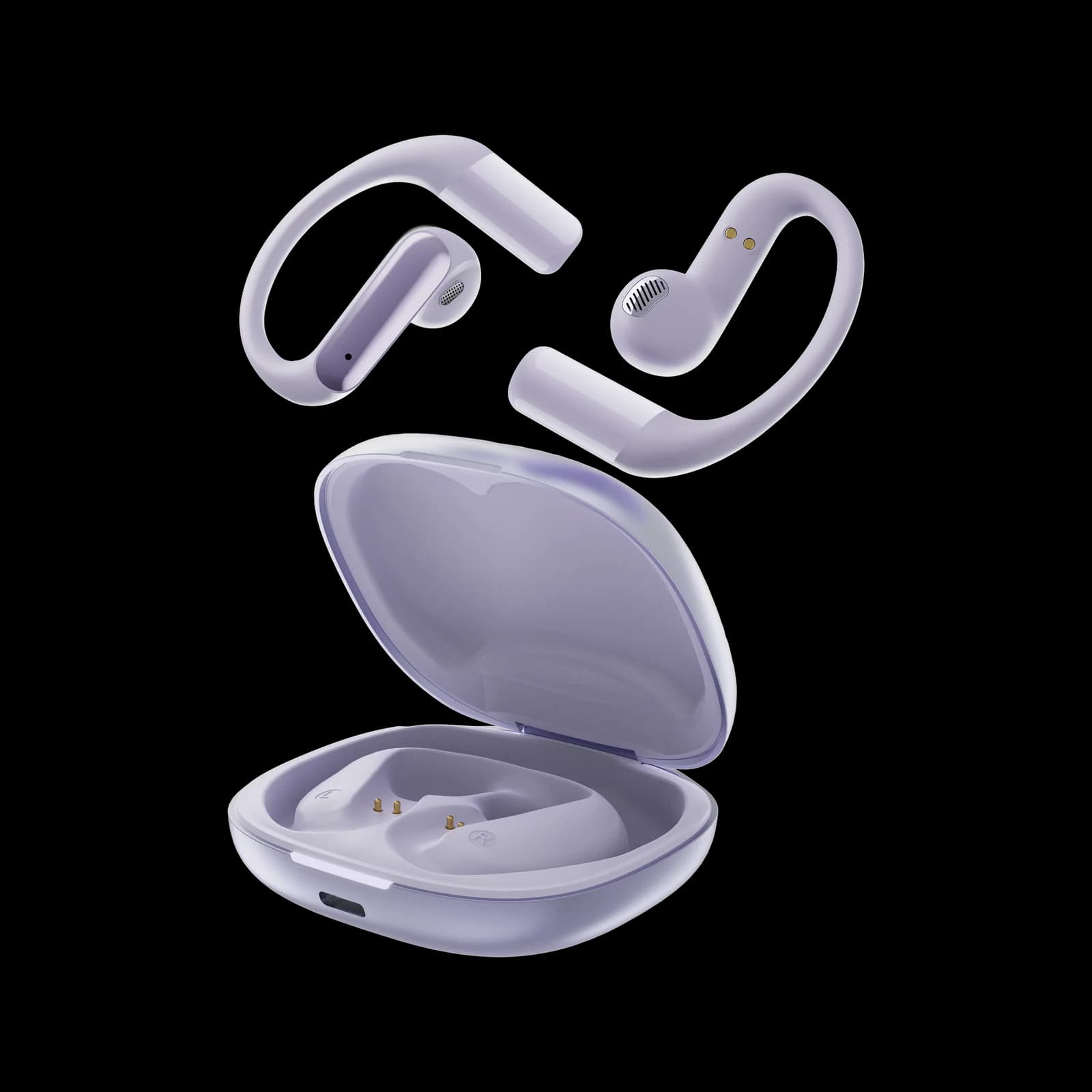
A pair of wireless earbuds can advertise 20 or 30 hours of battery life and still need to be placed back in its case after only a few hours. That is not necessarily a contradiction. Many manufacturers combine the earbuds' playback time with the additional power stored in the charging case.
The important distinction is between playback time per charge and total listening time with the charging case. If you want to wear earbuds continuously during a long flight, work shift or overnight listening session, the first number matters most.
Earbud battery life vs. total battery life
A typical product listing may show two figures:
Earbuds per charge: How long the earbuds play before they need to return to the case.
Total time with the case: The earbuds' playback time plus the additional recharges supplied by a fully charged case.
For example, imagine a product rated for 6 hours of playback per charge and 24 hours total with its case. The 24-hour figure assumes that you return the earbuds to the case for additional charging between listening sessions. It does not mean the earbuds can play continuously for 24 hours without interruption.
A real example from our own catalog: the W12 clip-on earbuds are rated for 4.5–6 hours of playback per charge (about 4 hours of talk time), with a 300 mAh charging case that tops them up between sessions. Our own continuous music test at 50% volume ran about five hours before shutdown — inside the rated window — and our continuous-call test matched the four-hour talk-time figure. Depending on how a seller presents those numbers, the same product could be advertised anywhere from "6 hours" to a much larger total-with-case figure — which is exactly why the per-charge number is the one to hunt down.
When comparing wireless earbuds, find the per-charge figure in the specifications. If it is missing, ask the seller or manufacturer for clarification.
Why real-world playback time can be shorter
Battery estimates are measured under stated test conditions. Your results may differ depending on how you use the earbuds and which features are enabled.
Active noise cancellation and other features
Active noise cancellation, transparency modes, spatial audio, voice assistants and frequent calls can affect power consumption. The size of the difference varies by model, so avoid applying one universal percentage to every pair. Check whether the manufacturer publishes separate playback estimates with ANC on and off.
Listening volume
Higher output levels can increase power use, although the effect is not identical across products. If you regularly listen at a high volume, your playback time may be shorter than the headline estimate. Keeping volume at a comfortable level is preferable to choosing a louder setting simply to mask background noise.
Bluetooth connection and call use
Connection conditions, microphone use and the features active during a call can change runtime. If battery life drops mainly during calls, compare the manufacturer's talk-time estimate with its music-playback estimate; they may not be the same.
Battery age and charging habits
Rechargeable lithium-ion batteries gradually lose capacity with use and age. A pair that once lasted through most of a workday may provide less playback after many charge cycles. The rate of capacity loss depends on the battery, temperature, charging system and usage pattern.
How to compare battery claims before buying
Use this checklist when reading a product page:
Find playback time per charge. Do not rely only on the headline total with the case.
Check ANC-on and ANC-off figures. If the product has noise cancellation, compare both where available.
Look for call-time information. Music playback and talk time can differ.
Read the test conditions. Volume level, codec, features and connection conditions may affect the result.
Check the case capacity. Find out how many additional charges the case is rated to provide.
Look for a charging-time estimate. Fast-charge claims should specify how much playback a short charge provides.
A useful comparison table should separate the earbuds' runtime from the case's contribution. Avoid treating “up to” figures as guaranteed minimum performance.
What to do when earbuds die unusually fast
If a new pair shuts down much earlier than its stated per-charge estimate, work through a few basic checks before assuming the battery is defective.
1. Confirm that both earbuds are charging
Check that each earbud is seated correctly in the case and that the charging indicators behave as described in the manual. Dirt or residue on the charging contacts can interfere with the connection. Clean them only as directed by the manufacturer, using an appropriate dry method if specified.
2. Check the case charge
A case with little remaining power may not recharge the earbuds as expected. Charge the case with the supplied or manufacturer-approved cable and adapter, then check the earbud status again.
3. Review enabled features
Temporarily compare playback with ANC, spatial audio or other optional features disabled. This can help identify whether a particular setting is affecting runtime.
4. Update the firmware
If the manufacturer provides a companion app or firmware update, check its support instructions. Do not interrupt an update or use unofficial firmware files.
5. Compare the two earbuds
A small difference between left and right runtime can occur depending on the product's design and connection behavior. A large or worsening difference may indicate a charging-contact issue or battery fault. Record the times and contact the manufacturer if the problem persists.
If the earbuds become unusually hot, swell, smell unusual or show visible battery damage, stop using and charging them and follow the manufacturer's safety guidance.
How much battery life do you actually need?
The right runtime depends on your routine:
Short commutes: A few hours per charge may be sufficient if you recharge between trips.
Workday listening: Compare per-charge playback with the length of your longest uninterrupted session, and use the talk-time figure if calls dominate your day — see our guide to low-profile earbuds for work for how that plays out in practice.
Travel: Look at per-charge runtime, case capacity and how easily the case can be recharged.
Workout use: Consider whether you need several sessions between charges and whether calls or ANC will be active — our gym earbuds guide covers sweat ratings alongside battery needs.
Sleep or long sessions: Pay particular attention to continuous playback time, comfort and whether a timer can stop audio when it is no longer needed — see our side-sleeper fit guide.
Rather than choosing the largest number on the box, match the per-charge figure to the longest period you expect to listen without access to the case.
Frequently asked questions
How long should wireless earbuds last on one charge?
There is no single standard runtime for all wireless earbuds. Battery size, design, volume and enabled features vary. Compare the manufacturer's playback time per charge and, where possible, independent tests that explain their conditions.
Why do my earbuds die after three hours when the box says 20?
The advertised 20 hours may include several recharges from the case. Check the specification for playback time per charge. If the earbuds themselves are rated for substantially longer but consistently stop after three hours under comparable conditions, troubleshoot charging and settings or contact the manufacturer.
Does noise cancellation reduce earbud battery life?
It can. ANC requires additional processing and microphones, so some models provide different runtime estimates with the feature enabled. Check the product's own ANC-on and ANC-off figures rather than assuming a fixed reduction.
Why does one earbud lose battery faster than the other?
Some designs assign different connection or processing tasks to each side, which can create a modest difference. A large, sudden or increasing gap may point to a charging-contact or battery problem. Consult the manufacturer's troubleshooting guide.
Does the charging case count toward advertised battery life?
Often, yes. Total battery-life claims commonly combine the earbuds' own playback with the additional charges stored in the case. Read the specification carefully to distinguish total listening time from continuous playback per charge.
Editorial publication note: Figures cited for the W12 here (4.5–6 h playback per charge, ~4 h talk time, 300 mAh case) are manufacturer-rated specifications from the product datasheet and are labeled as such. First-hand results (continuous music at 50% volume: ~5 h; continuous call: ~4 h) were recorded on November 6, 2026, on the stated conditions. Do not publish universal claims such as "80% volume cuts battery life in half" without controlled test data.